
Free Online Omni Flash AI Video Generator
Required. Use it to define the target video and how references should be used.
Optional. Up to 7 images. Each image must be 20MB or smaller.
Optional. One MP4 or MOV, up to 100MB and 30 seconds. The selected clip range must be 10 seconds or shorter.
Optional references share a 7 unit input quota: each image counts as 1, one source video counts as 2, and each character ID counts as 1.
Used when no source video is provided. Source-video runs let the model decide duration.
720P and 1080P share the same credit tier. 4K uses the higher tier.
Start with text-to-video, or use image, video, or audio references when you want more control over the result.
What Is Omni Flash?
Omni Flash is the term creators use when they want a fast AI video workflow around Gemini Omni Flash and multimodal video generation. On this site, Omni Flash means a free online generator where you can start from a text prompt, then optionally guide the result with an image, source video, or audio reference.
The product focus is practical: text-to-video, image-to-video, video-to-video, and audio-guided video creation with clear prompts, examples, credits, and limits before you generate. This site is independent and is not presented as an official Google, Gemini, or DeepMind product.
Create Videos from Text, Images, Video, or Audio
Choose the Omni Flash workflow that fits your source material. Start from a prompt, anchor the result with an image, transform an existing video, or guide the mood with audio.
Text to Video from a Prompt
Write the scene, camera movement, subject action, lighting, and style, then generate a short AI video from your instructions.
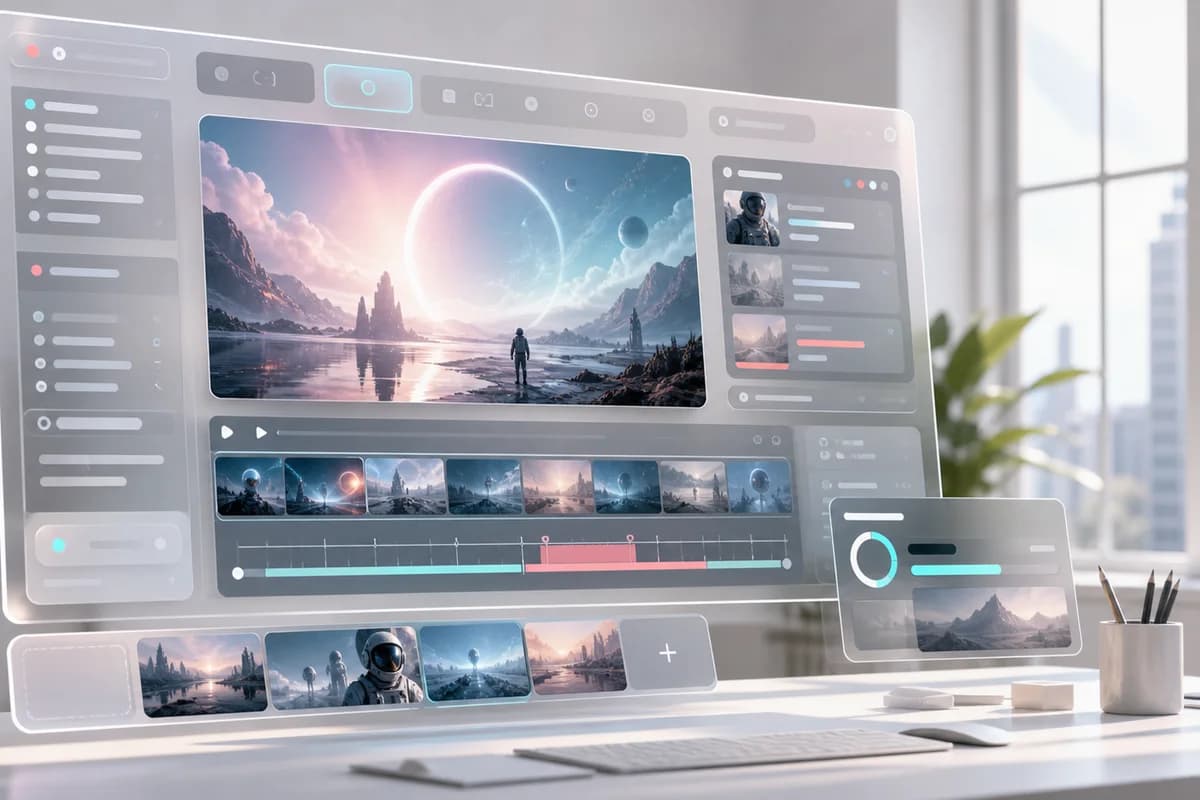
Image to Video with Optional References
Upload an image to guide the subject, first frame, product look, character pose, or visual composition before generation starts.
Video to Video for Motion and Style Changes
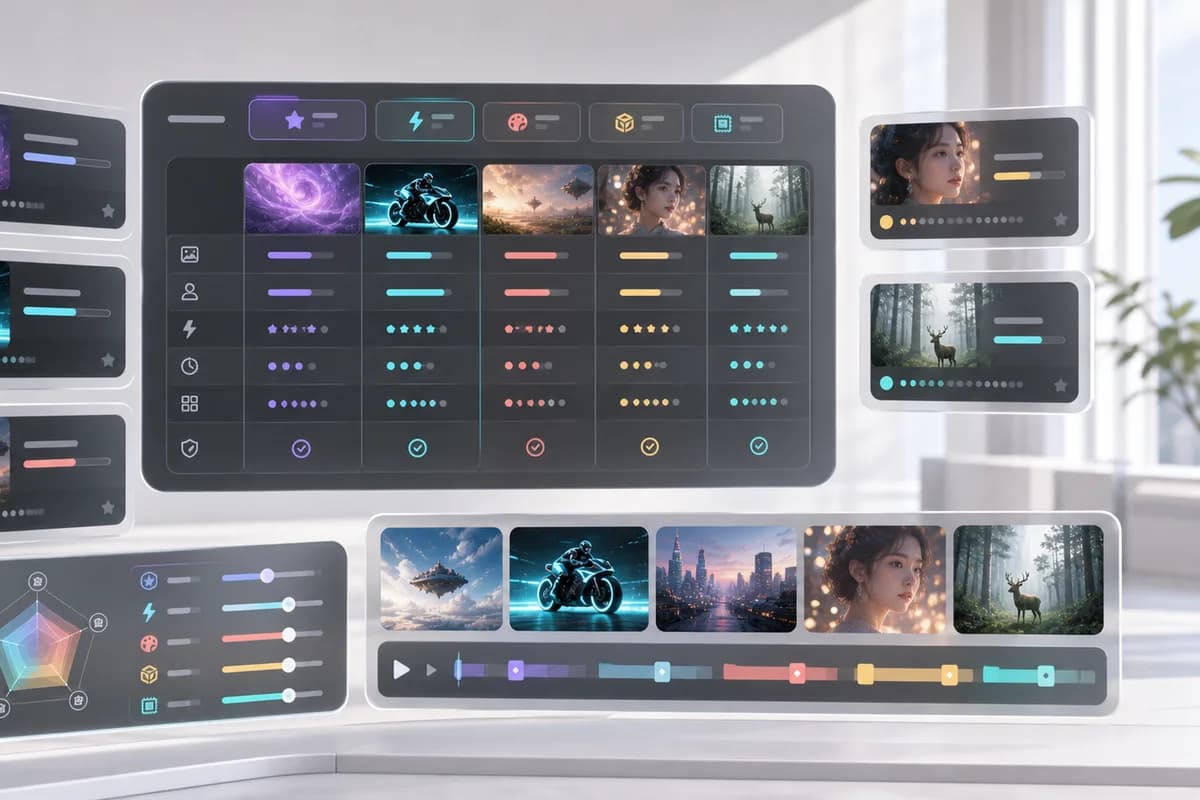
Use a source video when you want the new result to follow existing movement, pacing, framing, or scene structure.
Audio-Guided Video Direction
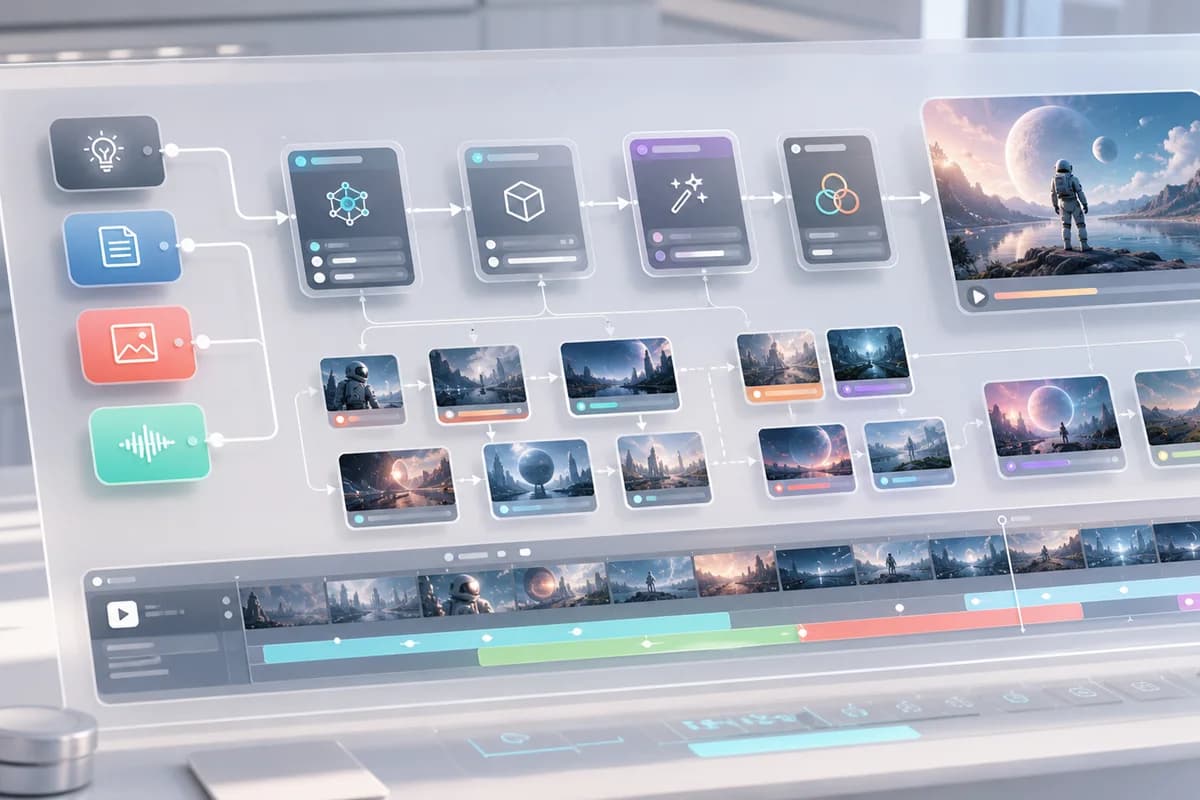
Use audio references to guide rhythm, atmosphere, timing, and emotional tone when the video needs to feel connected to sound.
Prompt Refinement for Better Clips
Improve one part at a time, such as camera angle, lighting, subject behavior, background, pacing, or ending frame.
Examples for Social, Product, and Story Clips
Use prompt starters for product demos, social ads, educational explainers, cinematic scenes, and quick creative tests.
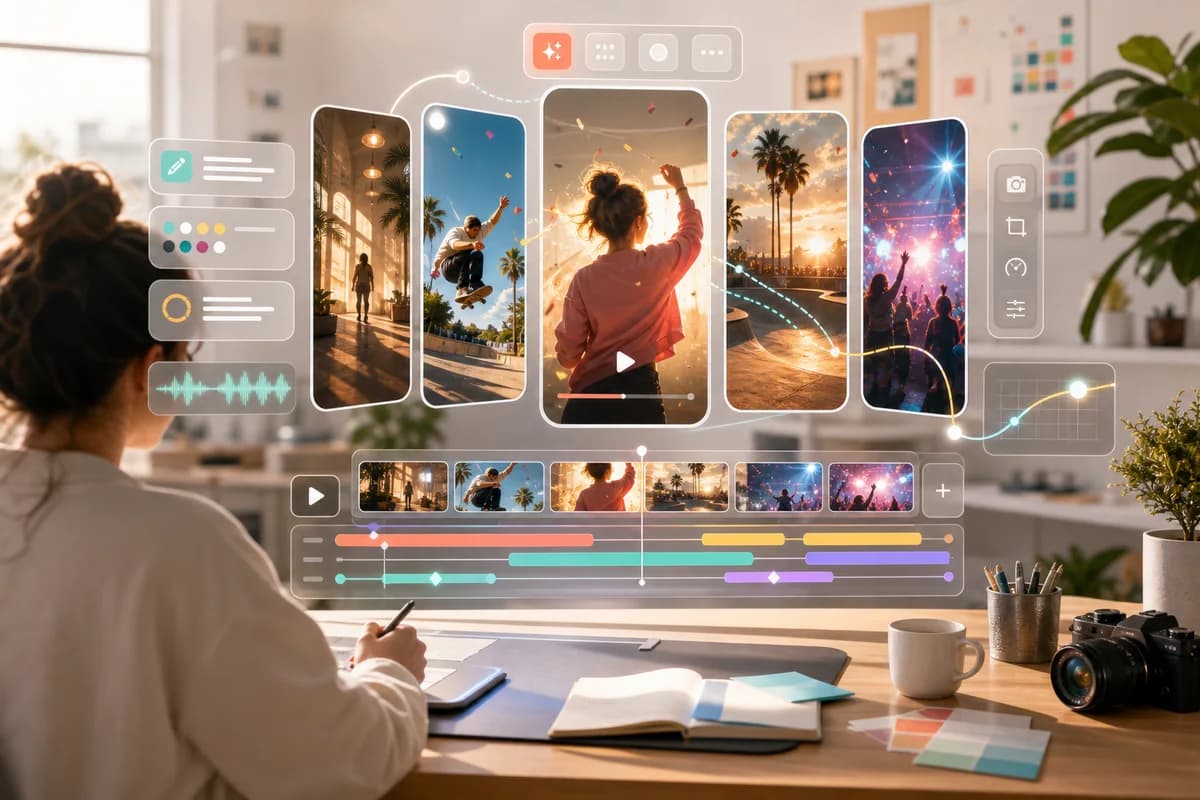
How to Use Omni Flash Online
A simple flow for text-to-video, image-to-video, video-to-video, and audio-guided video creation.
Choose your input mode
Start with text only, add an image reference, upload a source video, or use audio to guide the timing and mood.
Describe the result
Write what should happen in the clip, including subject, motion, camera direction, mood, lighting, style, and ending shot.
Add optional media
Use an image, video, or audio reference when you want Omni Flash to follow a specific look, movement, rhythm, or atmosphere.
Generate and refine
Preview the video, adjust the prompt, and refine details until the clip matches the idea you want to publish or test.
What You Can Make
Use Omni Flash when you need short AI video drafts, reference-driven clips, audio-guided concepts, or polished ideas without opening a heavy editing timeline.
Product demo videos
Turn a product prompt or image into a clean launch clip with camera movement, studio lighting, and a strong final frame.
Social ads and short clips
Create vertical-friendly videos for TikTok, Reels, Shorts, and paid social concepts with a clear hook and visual rhythm.
Storyboards and cinematic scenes
Convert a written scene into a moving visual draft before spending time on production, editing, or animation.
Image animation
Use image-to-video to bring a product photo, character concept, or visual reference into motion with prompt guidance.
Audio-guided video concepts
Use an audio reference to shape pacing, atmosphere, and emotional direction before turning the idea into a visual clip.
Free Online Start, Credits When You Need More
Start creating online with a free entry point. Credit use, plan limits, and model costs should stay visible before each generation.
Basic
Unlock video and image generation. With 1,200 credits, generate up to about 600 basic images at 2 credits each.
- 1,200 credits included every month
- Up to about 600 basic images at 2 credits per image
- About 20 standard videos at 60 credits per video
- Unlock advanced video and image models, including Kling, Veo, Seedance, LTX, Nano Banana, GPT Image 2, and more
- Supports text-to-image, image-to-image, text-to-video, image-to-video, first/last-frame video, and model-specific video workflows
- Commercial-use terms to be confirmed
- 24/7 customer support
- Watermark policy to be confirmed
Pro
For steady image and video production. With 3,000 credits, generate up to about 1,500 basic images at 2 credits each.
- 3,000 credits included every month
- Up to about 1,500 basic images at 2 credits per image
- About 50 standard videos at 60 credits per video
- Unlock advanced video and image models, including Kling, Veo, Seedance, LTX, Nano Banana, GPT Image 2, and more
- Supports text-to-image, image-to-image, text-to-video, image-to-video, first/last-frame video, and model-specific video workflows
- Commercial-use terms to be confirmed
- 24/7 customer support
- Watermark policy to be confirmed
Max
For teams and high-volume production. With 8,000 credits, generate up to about 4,000 basic images at 2 credits each.
- 8,000 credits included every month
- Up to about 4,000 basic images at 2 credits per image
- About 133 standard videos at 60 credits per video
- Unlock advanced video and image models, including Kling, Veo, Seedance, LTX, Nano Banana, GPT Image 2, and more
- Supports text-to-image, image-to-image, text-to-video, image-to-video, first/last-frame video, and model-specific video workflows
- Commercial-use terms to be confirmed
- 24/7 customer support
- Watermark policy to be confirmed
FAQ
What is Omni Flash?
Is Omni Flash free online?
What inputs does Omni Flash support on this site?
Can I create Omni Flash videos from text?
Can I upload an image for image-to-video?
Can I upload a video for video-to-video?
Can I use audio to guide an Omni Flash video?
Can I edit or refine the generated video?
Are uploaded images, videos, and audio private?
Will my Omni Flash video have a watermark or commercial-use limit?
Is there an Omni Flash API?
How is Omni Flash different from Veo or Seedance?
Start Your Free Online Omni Flash Video
Pick a prompt, add optional image, video, or audio references when needed, and generate your first Omni Flash clip from the browser.
Free Online Omni Flash Video Generator
Omni Flash Video is a free online AI video generator for creators searching for Omni Flash, Gemini Omni Flash, try Omni Flash, Omni Flash generator, and Google Omni Flash video workflows. Use it to create text-to-video clips, animate images with image-to-video, transform source footage with video-to-video prompts, or guide video mood with audio references. The page keeps practical details visible, including input choices, examples, credits, pricing, upload privacy, watermark notes, commercial-use questions, and API status, without presenting itself as an official Google, Gemini, or DeepMind website.