
Omni Flash Video AI Video Generator
Required. Use it to define the target video and how references should be used.
Optional. Up to 7 images. Each image must be 20MB or smaller.
Optional. One MP4 or MOV, up to 100MB and 30 seconds. The selected clip range must be 10 seconds or shorter.
Optional references share a 7 unit input quota: each image counts as 1, one source video counts as 2, and each character ID counts as 1.
Used when no source video is provided. Source-video runs let the model decide duration.
720P and 1080P share the same credit tier. 4K uses the higher tier.
Gemini Omni is selected first for the Omni Flash text-to-video workflow.
What Is Omni Flash?
Omni Flash is the search term people are using for Google's new Gemini Omni Flash model topic and its video generation direction. This page turns that interest into a practical AI video generator: users can start from a text prompt, keep Gemini Omni selected first, and test prompt-led video ideas in a focused online workspace.
Because the model and access story is still new, this page keeps product claims careful. It explains Google Flow context, Gemini Omni Flash, text-to-video generation, API interest, free access, watermarks, and commercial use without implying official affiliation or unsupported guarantees.
Create Videos With Omni Flash
Use this site as a focused text-to-video entry point for Gemini Omni-style video ideas, prompt testing, and early creative planning.
Text-to-video with Gemini Omni first
The hero generator opens on the text-to-video task with Gemini Omni selected first, so users can start from a prompt and immediately test a video idea.
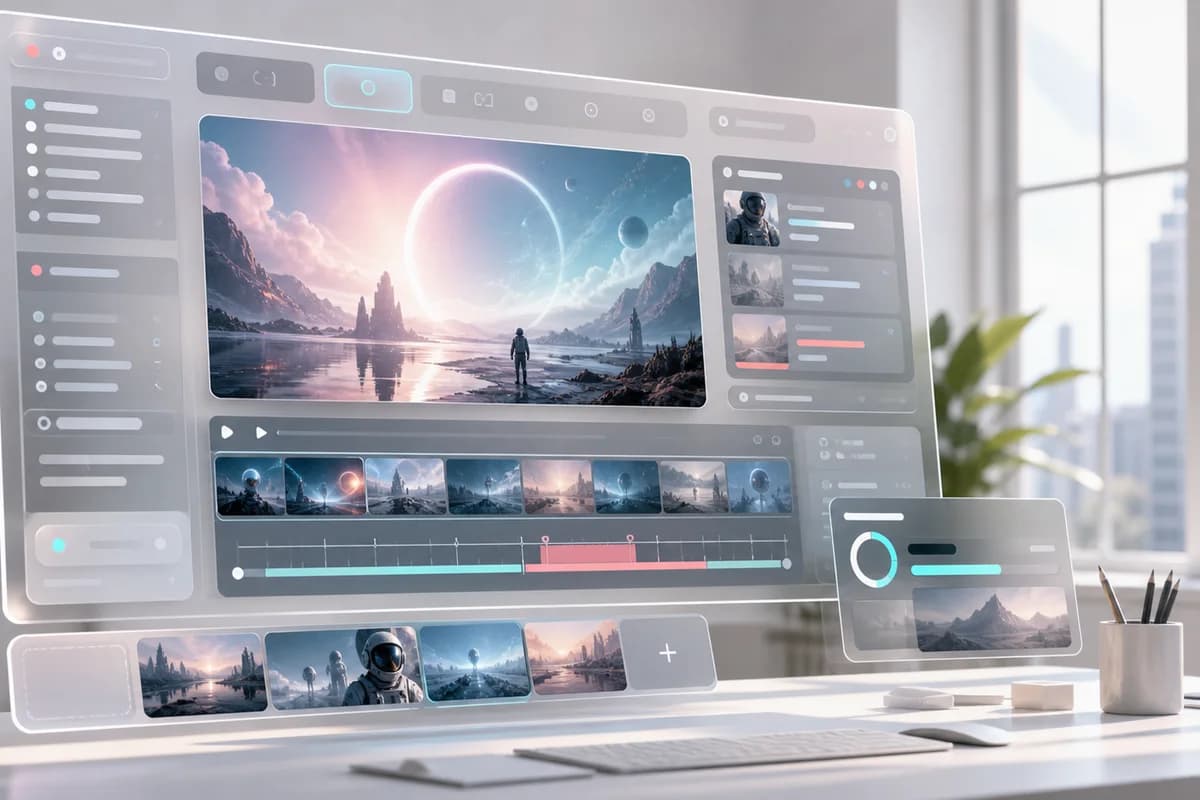
Prompt structure for better video results
Guide each generation with subject, action, setting, camera movement, lighting, style, pacing, and final frame instead of a short vague sentence.

Access notes without overpromising
Answers about Google Flow, API availability, free access, watermarks, and commercial use stay transparent until the product facts are confirmed.
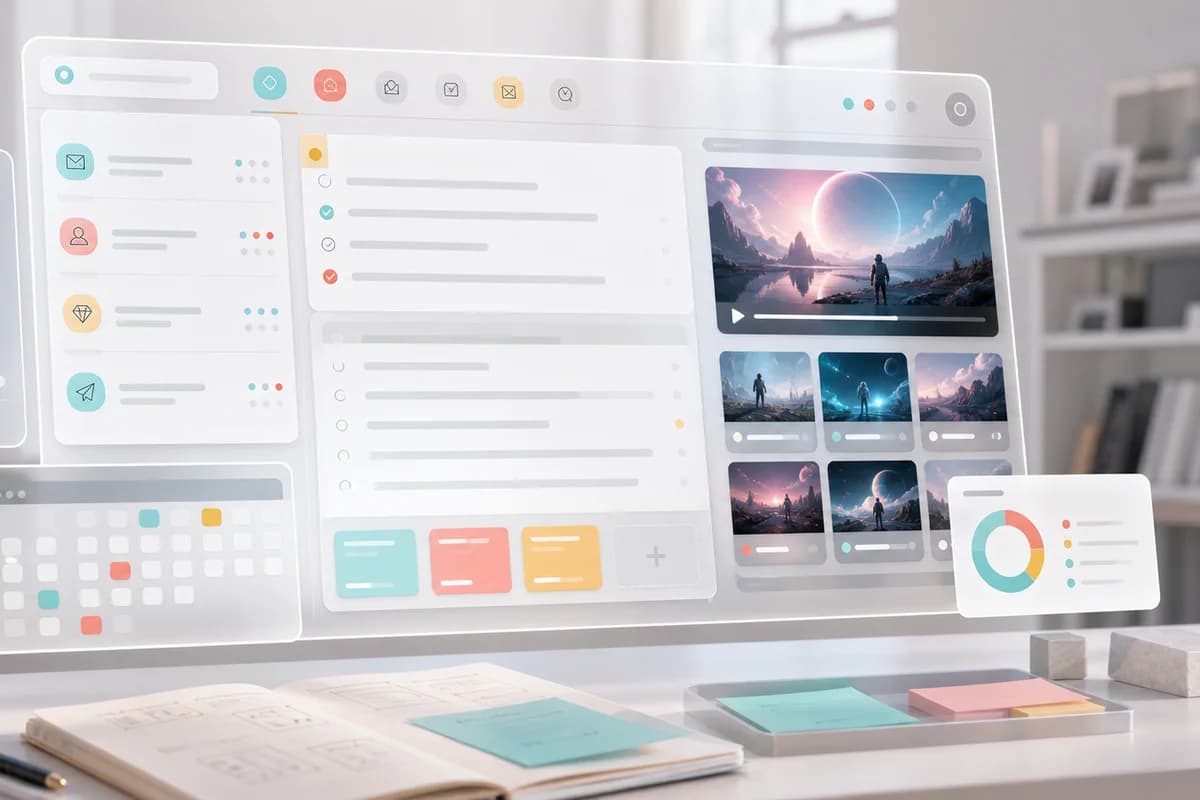
Research-friendly Omni Flash guide
The page covers the model context, how it relates to Gemini Omni Flash, where people search for testing options, and why video-to-video questions matter.
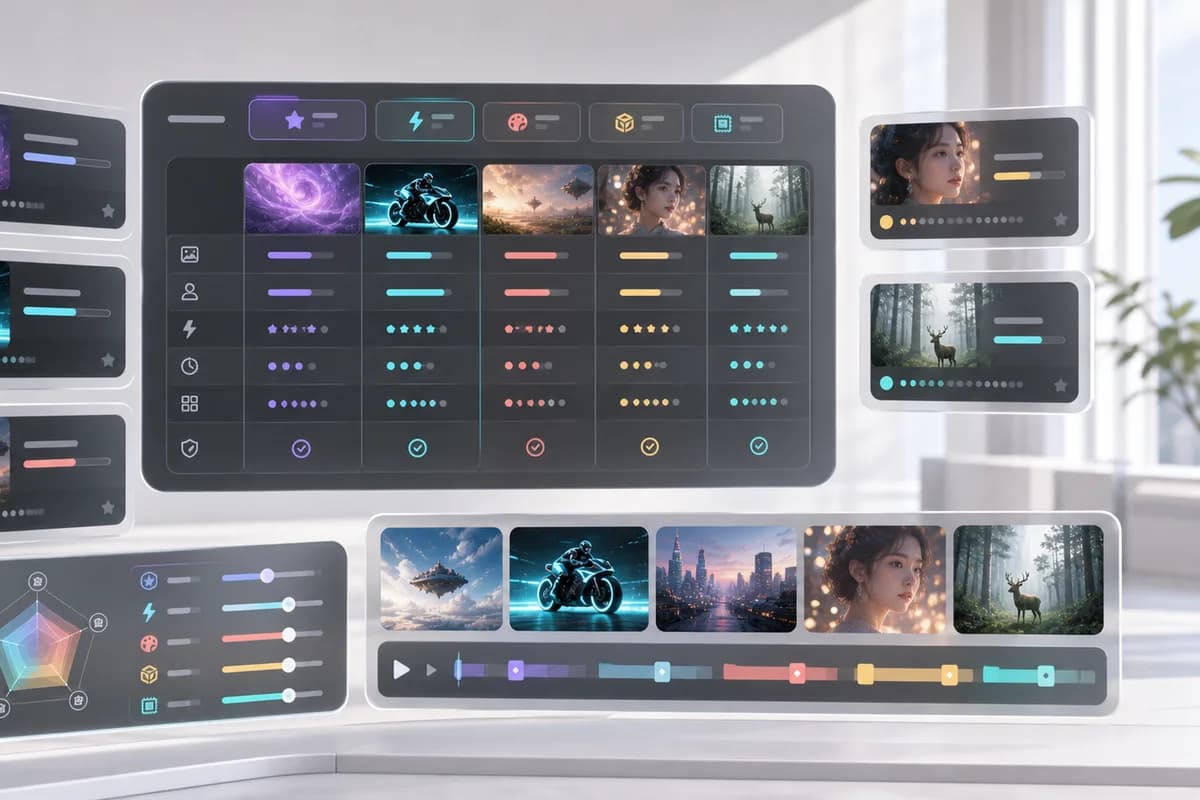
Prompt Refinement for Better Clips
Improve one part at a time, such as camera angle, lighting, subject behavior, background, pacing, or ending frame.
Examples for Social, Product, and Story Clips
Use prompt starters for product demos, social ads, educational explainers, cinematic scenes, and quick creative tests.
How to Use Omni Flash Video
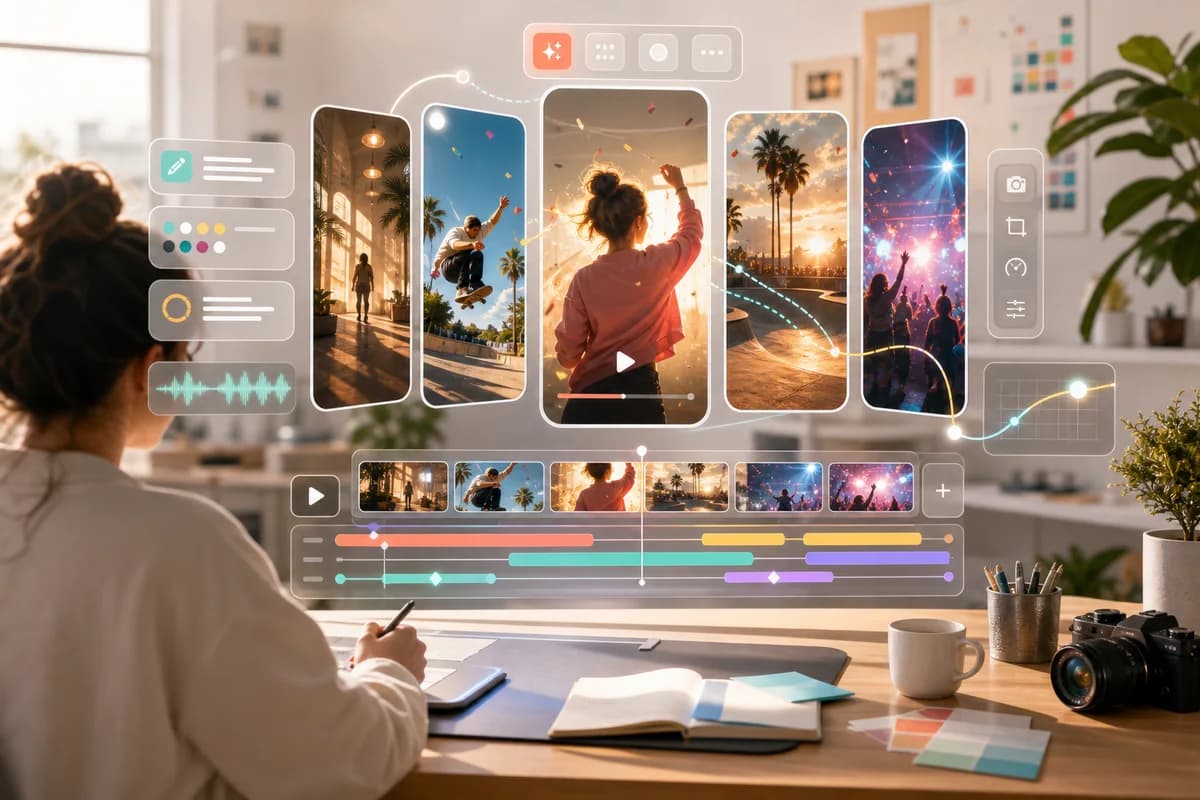
Start with the workflow users are actually searching for: write a prompt, keep Gemini Omni selected, generate, and refine the video idea.
Write a precise prompt
Describe the subject, action, location, shot type, camera movement, style, lighting, and the result you want from Omni Flash.
Keep Gemini Omni selected
The generator places Gemini Omni first by default so the Omni Flash video workflow stays clear when users open the model picker.
Generate a video concept
Run the text-to-video workflow and review the output. If a detail is vague, tighten the prompt instead of starting from scratch.
Refine one change at a time
Iterate on camera angle, pacing, lighting, subject behavior, or final frame so every revision has a measurable target.
Use Cases
Cover the practical reasons people search for Gemini Omni Flash, Google Flow, video demos, and text-to-video examples.
Product demo videos
Create quick launch concepts, tabletop motion, product reveals, and clean ending frames for ads or landing pages.
Social video ideas
Plan short hooks for YouTube Shorts, TikTok, and Reels with clear action, camera movement, and visual pacing.
Story scenes
Turn a written scene into a cinematic visual test before committing to a full production workflow.
Educational explainers
Build simple visual explanations for science, product education, or training concepts using prompt-led video direction.
Workflow research
Compare how Gemini Omni Flash, Google Flow, and other Google video models fit into your creative pipeline.
Pricing Plans
Plan cards are shown for launch planning. Payment checkout is not configured yet, so users should treat pricing as a preview until product IDs are added.
Basic
Desbloquea generación de imagen y video. Con 1.200 créditos, puedes generar hasta unas 600 imágenes básicas a 2 créditos cada una.
- 1.200 créditos incluidos cada mes
- Hasta unas 600 imágenes básicas a 2 créditos por imagen
- Unos 20 videos estándar a 60 créditos por video
- Desbloquea modelos avanzados de imagen y video, incluidos Kling, Veo, Seedance, LTX, Nano Banana, GPT Image 2 y más
- Compatible con texto a imagen, imagen a imagen, texto a video, imagen a video, video de primer/último fotograma y flujos de video específicos del modelo
- Condiciones de uso comercial por confirmar
- Soporte al cliente 24/7
- Política de marca de agua por confirmar
Pro
Para producción constante de imágenes y videos. Con 3.000 créditos, puedes generar hasta unas 1.500 imágenes básicas a 2 créditos cada una.
- 3.000 créditos incluidos cada mes
- Hasta unas 1.500 imágenes básicas a 2 créditos por imagen
- Unos 50 videos estándar a 60 créditos por video
- Desbloquea modelos avanzados de imagen y video, incluidos Kling, Veo, Seedance, LTX, Nano Banana, GPT Image 2 y más
- Compatible con texto a imagen, imagen a imagen, texto a video, imagen a video, video de primer/último fotograma y flujos de video específicos del modelo
- Condiciones de uso comercial por confirmar
- Soporte al cliente 24/7
- Política de marca de agua por confirmar
Max
Para equipos y producción de alto volumen. Con 8.000 créditos, puedes generar hasta unas 4.000 imágenes básicas a 2 créditos cada una.
- 8.000 créditos incluidos cada mes
- Hasta unas 4.000 imágenes básicas a 2 créditos por imagen
- Unos 133 videos estándar a 60 créditos por video
- Desbloquea modelos avanzados de imagen y video, incluidos Kling, Veo, Seedance, LTX, Nano Banana, GPT Image 2 y más
- Compatible con texto a imagen, imagen a imagen, texto a video, imagen a video, video de primer/último fotograma y flujos de video específicos del modelo
- Condiciones de uso comercial por confirmar
- Soporte al cliente 24/7
- Política de marca de agua por confirmar
FAQ
What is Omni Flash?
What is Gemini Omni Flash?
Is Omni Flash Video an official Google product?
Where can I test Google Omni Flash online?
Can Omni Flash generate videos from text?
Can Omni Flash create video from images or existing video?
How is Omni Flash different from Veo 3.1?
Is Omni Flash free?
Does Omni Flash add a watermark?
Can I use Omni Flash videos commercially?
Is there an Omni Flash API?
How is Omni Flash different from Veo or Seedance?
Try the Text-to-Video Workflow
Start with a prompt, keep Gemini Omni selected, and generate an AI video concept from the homepage workspace.
About Omni Flash Video
Omni Flash Video is an AI video generator landing page and workspace for people searching for Omni Flash, Gemini Omni Flash, Google Flow, and text-to-video generation. The page combines a usable prompt-led generator with crawlable explanations, practical use cases, FAQ answers, and clear notes about which claims still need confirmation. Use it to test video prompts, plan product demos, sketch social clips, and understand the current search landscape without assuming official Google affiliation or unverified access promises.